You know the feeling. It’s 3 p.m., you’ve been staring at a screen since 8 a.m., and your eyes feel like someone rubbed them with sandpaper. Your forehead is tight, your vision blurs slightly when you glance away from the monitor, and that dull ache behind your temples has become so familiar you’ve stopped noticing it — until now.
If this sounds like your typical Tuesday, you’re not alone. Studies estimate that 65–75% of computer users experience symptoms of digital eye strain, also known as computer vision syndrome. And the problem is accelerating. Between remote work, endless scrolling, and the fact that most of us now consume books, news, and entertainment on glowing rectangles, our eyes are doing something they were never designed to do: focusing at a fixed, close distance for 10+ hours a day.
The good news? You don’t need expensive blue-light glasses or a complete lifestyle overhaul to fix this. Most of the damage is cumulative and reversible — if you catch it early and build the right micro-habits into your day.
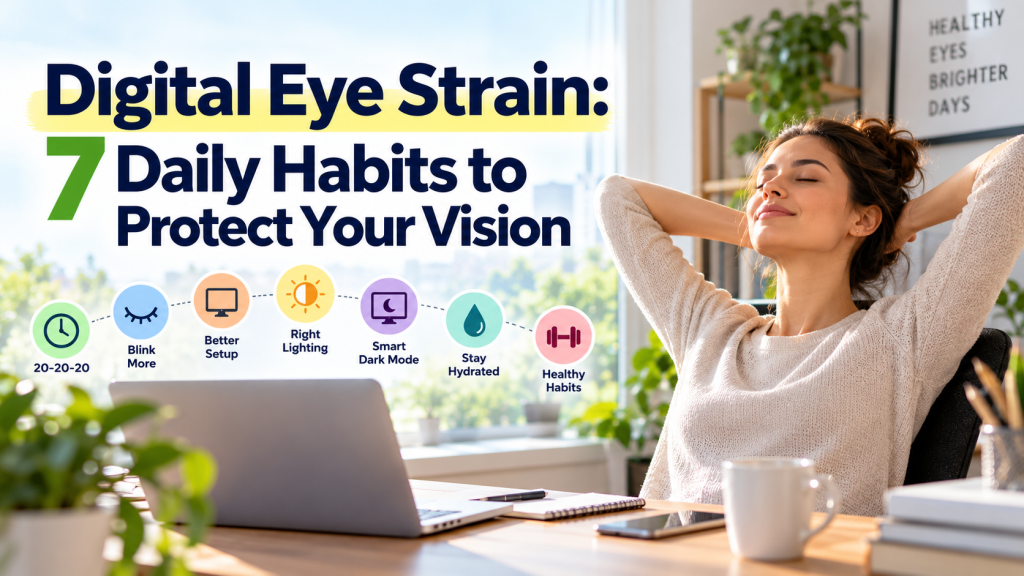
Here are seven daily habits that actually protect your vision, based on ophthalmology research and the practical realities of working on screens all day.
1. Follow the 20-20-20 Rule (But do it correctly)
You’ve probably heard of this one: every 20 minutes, look at something 20 feet away for 20 seconds. It’s the most cited piece of eye strain advice on the internet, and for good reason — it works. But most people do it wrong.
The mistake is treating it as a casual glance. A quick flick of the eyes toward the window and back to your screen doesn’t give your ciliary muscles (the tiny muscles inside your eyes that control focus) enough time to fully relax. The 20 seconds matters. Your eyes need that full duration to shift from near-focus to far-focus and release the tension they’ve been holding.
How to make it stick: Set a recurring timer on your phone or use a browser extension like Eye Care 20 20 20. When the timer fires, physically turn your head toward a distant object — a tree outside, a building across the street, the far wall of a large room. Hold your gaze and take three slow breaths. The breathing part is key because it forces you to actually pause instead of mentally rehearsing your next email while your eyes technically point at the horizon.
2. Blink on Purpose (Yes, Really)
This sounds absurd until you learn the numbers. Under normal conditions, humans blink about 15–20 times per minute. When staring at a screen, that rate drops to 5–7 blinks per minute — a reduction of over 60%.
Fewer blinks means your tear film evaporates faster, which leads to dry, irritated, gritty-feeling eyes. Over months and years, chronic dry eye can cause real damage to the surface of your cornea.
The fix is simple but requires conscious effort: practice deliberate blinking. Every time you finish a paragraph, complete a code block, or send a message, close your eyes fully for one second. Not a half-blink — a complete lid closure that spreads a fresh layer of tears across your cornea.
If dryness is already a problem, keep preservative-free artificial tears at your desk. Use them two to three times a day, not just when your eyes feel uncomfortable. By the time you notice dryness, the tear film has already been compromised for a while.
3. Optimize Your Screen Position and Lighting
Most people set up their workspace for neck comfort and ignore their eyes entirely. But screen position is one of the biggest drivers of eye fatigue, and small adjustments make a disproportionate difference.
The ideal setup:
- Distance: Your screen should be about an arm’s length away (20–28 inches). Closer than that forces your eyes to converge more aggressively, which accelerates muscle fatigue.
- Height: The top of your monitor should be at or slightly below eye level. You want a slight downward gaze of about 15–20 degrees. Looking up at a screen opens your eyes wider, which increases tear evaporation.
- Brightness: Match your screen brightness to the ambient light in the room. A blazing white monitor in a dark room is like staring into a flashlight. Use bias lighting (a soft lamp behind your monitor) to reduce the contrast between the screen and the wall behind it.
One often-overlooked culprit is overhead fluorescent lighting, which creates glare on screens and forces your eyes to constantly adjust between the bright ceiling and the darker display. If you can’t change the lighting, use a matte screen filter or reposition your monitor so the light source isn’t reflecting directly off the glass.
4. Use Dark Mode Strategically (Not Universally)
Dark mode has become the default for developers and night owls, but the reality is more nuanced than “dark mode good, light mode bad.”
When dark mode helps: In low-light environments, dark mode reduces overall light output and minimizes the contrast shock between your screen and the dark room. This is genuinely easier on your eyes during evening work sessions.
When dark mode hurts: In bright, well-lit environments, dark mode can actually increase eye strain. White text on a black background causes a phenomenon called halation, where the bright letters appear to bleed into the dark background, making them harder to focus on. This forces your eyes to work harder, not less.
The practical rule: Use light mode during the day in well-lit spaces. Switch to dark mode after sunset or in dim rooms. Most operating systems now support automatic switching based on time of day — turn that on and stop thinking about it.
5. Take a Real Lunch Break Away From Screens
This one isn’t about your eyes in isolation — it’s about the cumulative load on your entire visual system. If you eat lunch at your desk while watching YouTube or scrolling through your phone, your eyes never get a sustained break. The 20-20-20 rule helps with acute strain, but your eyes also need prolonged periods of relaxed focus to fully recover.
Aim for at least 30 minutes of screen-free time in the middle of your day. Go for a walk outside if you can. Natural daylight does double duty here: it gives your eyes the varied focal distances they crave (trees at 50 feet, clouds at infinity, a coffee cup at 2 feet), and it stimulates dopamine production in the retina, which research suggests may help protect against myopia progression.
If going outside isn’t possible, sit by a window and read a physical book or simply let your eyes wander across the room. The goal is to break the fixed-distance lock that screens impose on your visual system.
6. Do a 60-Second Eye Stretch Routine Every Afternoon
Just like your hip flexors tighten from sitting, your eye muscles tighten from sustained near-focus. And just like your hip flexors, they respond well to stretching.
Try this sequence once a day, ideally during your mid-afternoon energy dip:
- Palming (20 seconds): Rub your palms together until they’re warm, then cup them gently over your closed eyes without pressing. The warmth and total darkness relax the muscles around your eyes and stimulate tear production.
- Near-far shifts (20 seconds): Hold your thumb about 10 inches from your face. Focus on it for 3 seconds, then shift your focus to an object across the room for 3 seconds. Repeat three to four times. This actively stretches the ciliary muscles through their full range of motion.
- Figure eights (20 seconds): Imagine a large figure eight on the wall about 10 feet away. Trace it slowly with your eyes — first clockwise, then counterclockwise. This mobilizes the six extraocular muscles that control eye movement and tend to get stiff from staring at a fixed point.
This takes less time than making coffee, and the relief is almost immediate.
7. Get an Annual Eye Exam (Even If You Think Your Vision Is Fine)
This is the habit most people skip, and it’s the one that matters most for long-term protection. Digital eye strain can mask or mimic other conditions — uncorrected astigmatism, early presbyopia, dry eye disease, and even glaucoma — that become significantly harder to treat if caught late.
Many people in their late 30s and early 40s develop latent hyperopia (farsightedness) that their eyes have been compensating for silently for years. The compensation works until it doesn’t, and the first symptom is often chronic eye strain that no amount of screen breaks will fix because the root cause is refractive, not behavioral.
The rule: Get a comprehensive eye exam every year after 35, or every two years if you’re younger and have no symptoms. Tell your optometrist specifically how many hours a day you spend on screens. They can prescribe computer-specific glasses with a slight magnification and anti-reflective coating that can reduce strain more effectively than any over-the-counter blue-light filter.
The Bottom Line
Your eyes are doing something unprecedented in human evolutionary history. No previous generation has asked their visual system to maintain fixed, close-range focus for the majority of their waking hours. The fact that your eyes ache by mid-afternoon isn’t a personal failing — it’s a predictable response to an unnatural demand.
The habits above aren’t dramatic. None of them require expensive equipment or major schedule changes. But they are cumulative, and that’s the point. Digital eye strain develops slowly, and so does the protection against it. The person who blinks deliberately, adjusts their monitor, and looks out the window every 20 minutes will have meaningfully better eye health at 50 than the person who powers through the discomfort and hopes it resolves on its own.
Start with two or three of these habits this week. Add the rest over the next month. Your future self — the one who still wants to read books, enjoy sunsets, and navigate the world without squinting — will thank you.
Related Reading
If you found this useful, here are some other posts from the blog that explore the physical and mental costs of screen-heavy lifestyles:
- Digital Posture: How Screens Reshape Your Body (and How to Fix It Fast)
- How I Balance Screen Time (as a Developer and Reader) with Physical Health
- Morning Light: The Ultimate Performance Hack for Remote Workers
- How to Fix Your Circadian Rhythm as a Remote Worker: Screen Time & Sleep Tips
- Biophilia: How Nature Heals Digital Overload
- Digital Minimalism for Nomads: How to Unplug and Work
- How Desk Work Affects Your Nervous System: The Physical Cost of Focus
- The Hidden Injuries of Sitting All Day (and How to Fix Them Early)


Leave a comment